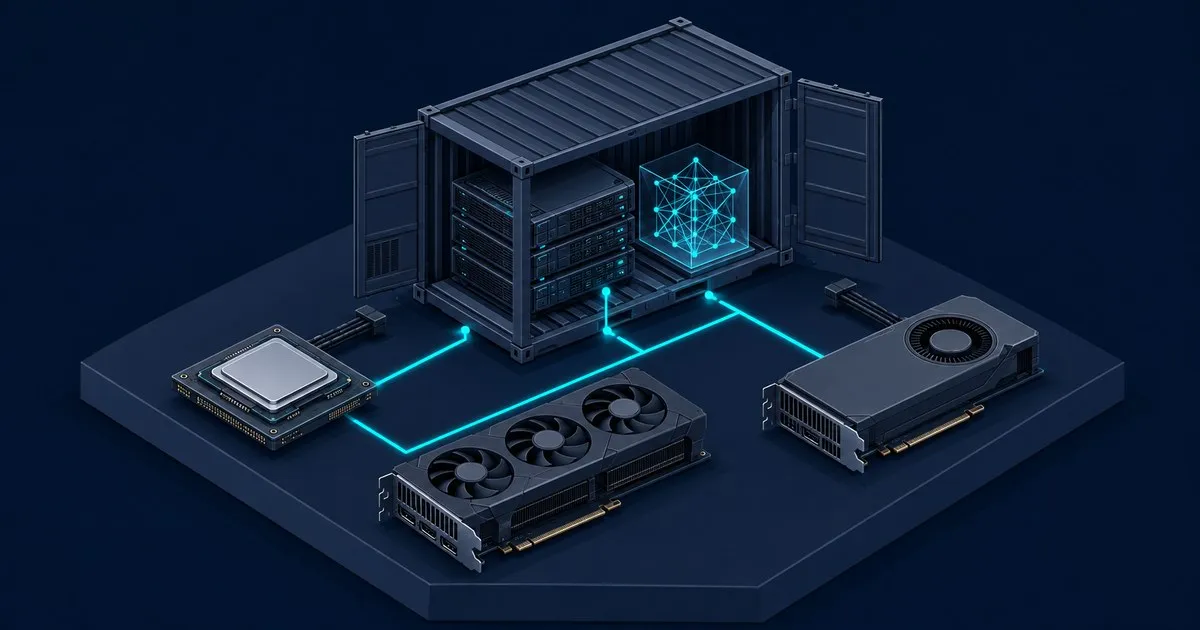
OllamaLab covers the hardware side of running local models with Ollama: how much GPU memory a
model needs, how fast a card can read those weights back on every generated token, and what to
change when a model runs slower than it should. Two numbers decide almost everything - the VRAM a
model and its quantisation occupy, and the memory bandwidth that sets generation speed once it
fits. Every guide below works outward from those two.
The VRAM calculator - enter a model size, quantisation level, and context window and get the memory total plus an estimated generation rate for a given card.
Which models fit in 8 GB of VRAM - the most common card tier, turned into concrete parameter classes and the context each one holds.
The best GPU for Ollama by tier - capacity and memory bandwidth compared side by side, from 8 GB up to 48 GB across two cards.
Why Ollama is not using your GPU - how to tell whether the GPU is being used at all, and the diagnostic order from detection to capacity to context length.
Specific setups
Ollama on Apple Silicon - how unified memory changes the capacity-and-bandwidth trade, tabulated per chip.
Ollama without a GPU - what CPU-only inference can and cannot do, and why memory-channel count sets the ceiling.
Running Ollama in Docker - the container setup, including the GPU passthrough that keeps inference off the CPU.
Ollama vs LM Studio - speed, API, headless serving and Apple Silicon MLX compared, with a pick for developers and desktop users.
Ollama API examples - chat, streaming, JSON schema output, tool calls and embeddings in curl and Python, plus the metrics to log per call.